'Am I Safe to Delete This Before My Flight?' — We Asked Our Storage AI
You are sitting at the airport gate trying to download offline movies for a cross-country flight, and your laptop throws a 500MB remaining error. You do not have time to conduct a forensic investigation of your system files or risk breaking an application you need for tomorrow’s client presentation. We tested our on-device storage AI in a simulated pre-flight emergency to see how quickly it could free up 30GB of space without causing software issues.
What's Actually Going On
Emergency cleanups before traveling are high-risk because if you accidentally delete an essential configuration file, you cannot easily re-download dependencies while on an airplane.
Traditional cleaner apps present generic checkboxes like "Application Caches" without telling you whether an app will fail to launch offline without those files.
Orbit assigns clear confidence ratings (Safe, Probably Safe, Risky) based on file volatility, regeneration capabilities, and offline criticality.
The 3-Minute Pre-Flight Cleanup Plan
1. Safe: Purge Stale Package Installer Archives (Reclaimed: 14.2GB)
Orbit identified cached .dmg, .pkg, and .msi installer packages stored in ~/Downloads and %LOCALAPPDATA%\Temp that had already been installed months ago. Confidence rating: 100% Safe.
2. Safe: Wipe Regenerative Browser Shader Caches (Reclaimed: 8.6GB)
GPU shader caches and old streaming media fragments from Chrome and Edge were safely cleared with 100% confidence, since browsers regenerate shaders automatically during runtime.
3. Probably Safe: Inactive Docker Containers (Reclaimed: 12.1GB)
Orbit flagged stopped developer test containers, clearly noting: "These containers can be deleted safely, but do not delete if you need to run these test microservices while offline."
We got tired of doing this manually — that's exactly why we built Orbit.
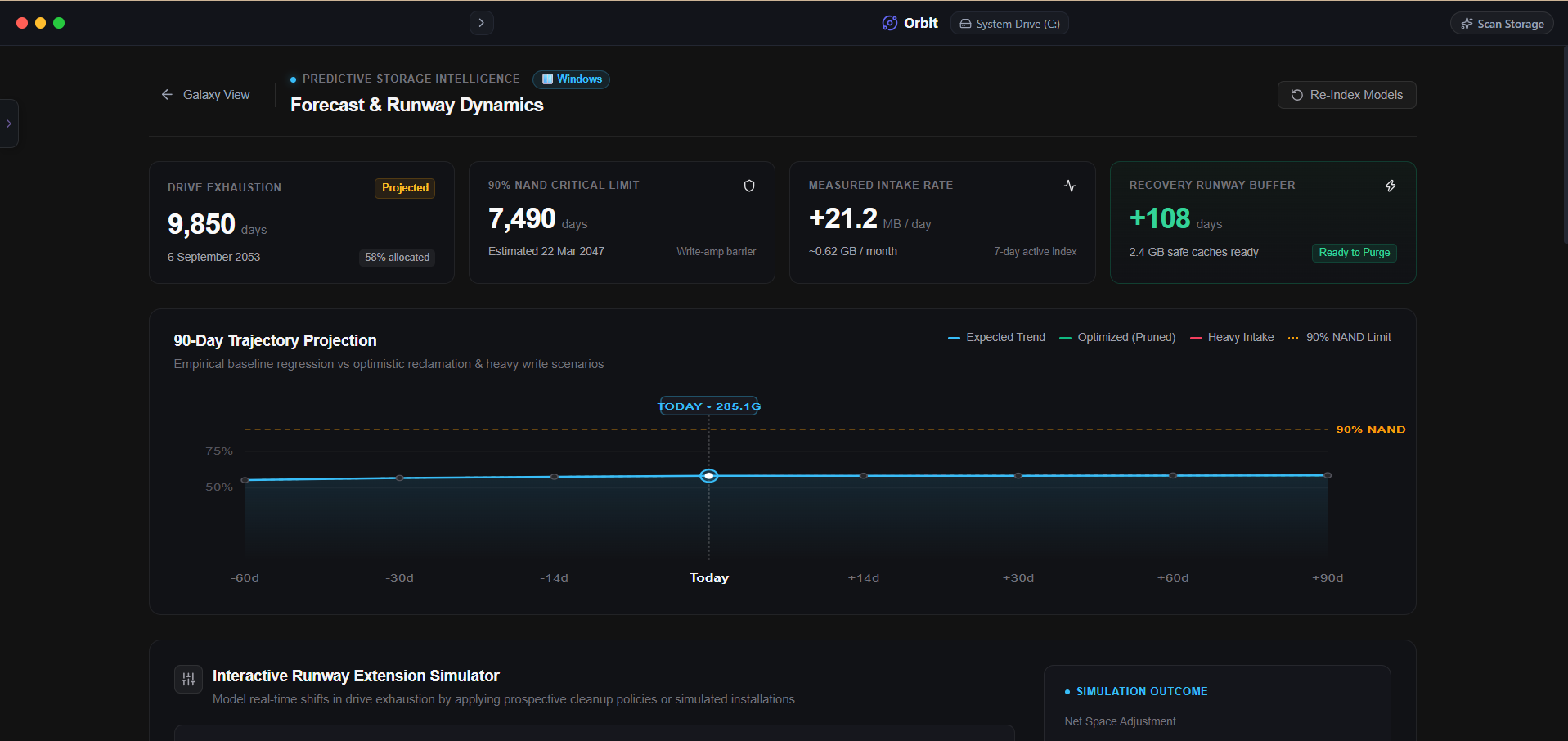 Orbit provides instant confidence assessments so you can clean storage with complete peace of mind.
One More Thing
Always avoid clearing your offline mail cache right before boarding a flight.
If an automated cleaner wipes your local Outlook or Apple Mail cache, you will be unable to read cached email attachments once you are in airplane mode.
The Verdict
Use Manual Method if: Use manual Downloads folder cleanup if you only need a quick 5GB and know exactly what is inside your download directory.
Use Orbit if: Use Orbit if you need to free 20GB+ in minutes with transparent confidence ratings that guarantee you will not break your offline tools.
Finding these files too slow?
Orbit visualizes your entire drive — Mac and Windows both — so you see exactly where space is going before you delete anything.
Continue Reading
No filters, no folders, just a plain-English question. Here is what happened when we asked our own AI to hunt down forgotten video files.
Read guide →You Can Now Talk to Your Hard Drive. Here is Why That Actually Matters.Every storage tool makes you dig through folders yourself. Here is what changes when you can just ask instead — with real example queries and answers.
Read guide →Why I Stopped Trusting 'One-Click Clean' ButtonsAutomated cleaners delete first and hope later. Here is why every file we remove sits in a recoverable vault for 30 days before it is actually gone.
Read guide →