'Find Videos I Haven't Opened in a Year' — Testing Natural-Language Storage Search
Building complex search filters in macOS Finder or Windows File Explorer feels like writing database queries with your hands tied. If you want to find large video files that you have not touched in over twelve months, you have to click through multiple nested dropdowns, choose file attributes, enter size boundaries, and wait as the search crawls through every folder. We wanted to see what happens when you simply ask in plain English.
What's Actually Going On
Standard file managers only offer rudimentary attribute filters that do not understand conversational phrasing or relative time expressions.
File access timestamps (atime) and modification timestamps (mtime) are tracked by your operating system, but standard search tools rarely let you combine them easily.
Orbit utilizes a local semantic parser that translates natural-language sentences directly into fast index queries across your drive.
Putting Natural Language Storage Search to the Test
1. Query: "Find screen recordings older than 6 months over 500MB"
Orbit immediately parsed the query, filtered file extensions (.mov, .mp4, .mkv), verified the last accessed date against the current system time, and returned 28 forgotten Zoom and OBS recordings totaling 38.4GB.
2. Query: "Show me project directories I have not edited this year"
Orbit scanned developer directories for package.json and Cargo.toml markers, checked Git commit timestamps, and identified 14 dead project folders holding 52GB of unneeded dependencies.
3. Query: "What can I safely delete before my flight?"
Orbit aggregated throwaway caches, old download installers, and temporary build outputs, generating a safe-to-delete recommendation list that freed 24GB in two clicks.
We got tired of doing this manually — that's exactly why we built Orbit.
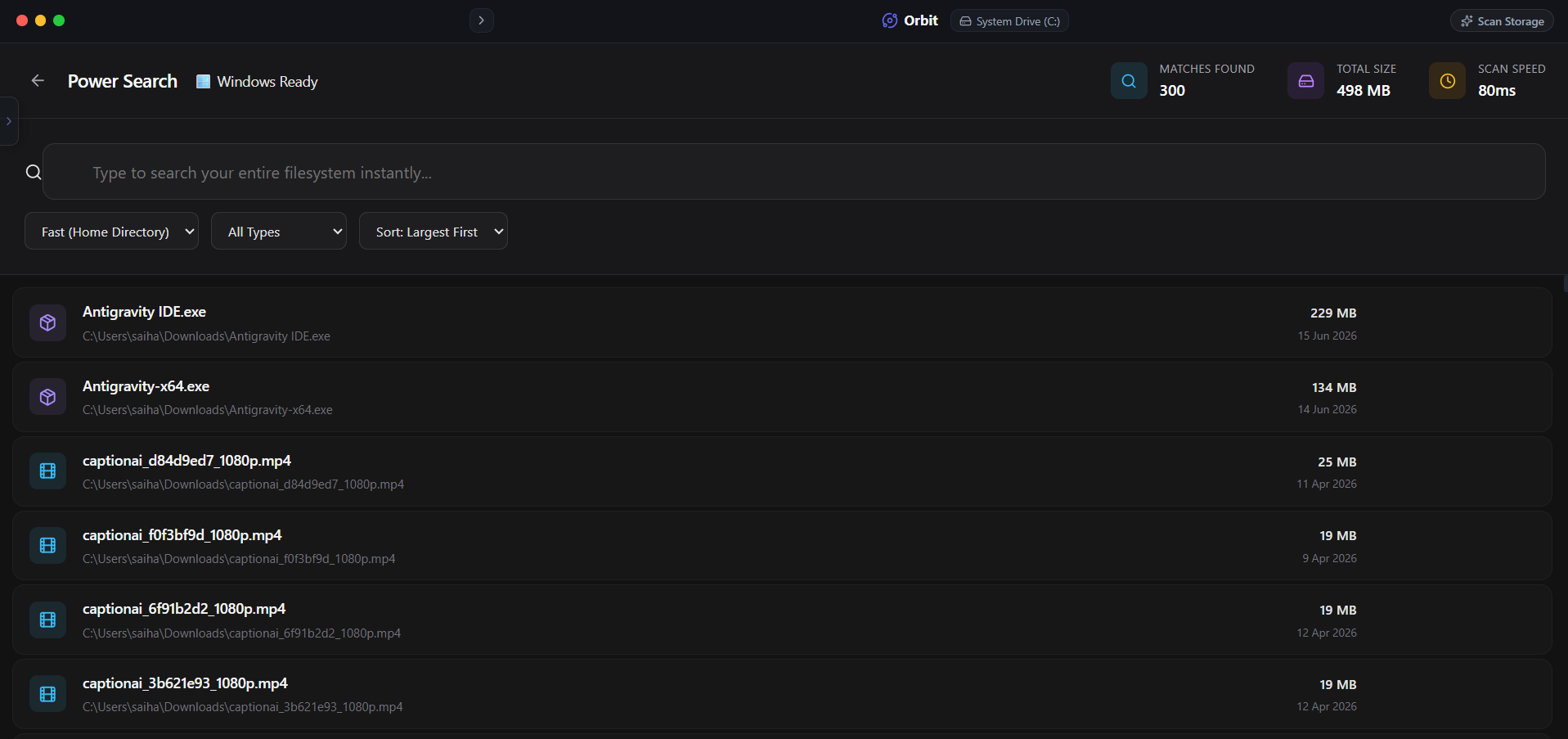 Orbit lets you talk to your storage just like you would talk to a human engineer.
One More Thing
On macOS, remember that Quick Look or Spotlight previewing a file does not update its last opened timestamp.
Only applications that open a full file descriptor (like VLC, QuickTime, or Premiere) update the filesystem access time attribute.
The Verdict
Use Manual Method if: Use Finder or File Explorer search filters if you only run a single query once a year and do not mind setting up complex search criteria.
Use Orbit if: Use Orbit if you want to find forgotten files instantly by asking plain-English questions.
Finding these files too slow?
Orbit visualizes your entire drive — Mac and Windows both — so you see exactly where space is going before you delete anything.
Continue Reading
Instead of guessing, I typed the question straight into our storage AI. Here is the exact answer it gave — and how it found the cause in seconds.
Read guide →'Am I Safe to Delete This Before My Flight?' — We Asked Our Storage AIA real test of asking our built-in AI to free space fast, with plain-English confidence ratings instead of just raw file sizes.
Read guide →Finding Duplicate Photos on Mac and Windows Without Two Separate AppsMost duplicate finders only work on one OS. Here is how to find exact and near-duplicate photos across both machines from a single scan.
Read guide →