Your Screenshots Folder Is Probably 90% Near-Duplicates
You pressed Shift+Command+4 or Win+Shift+S five times in ten seconds to grab the right video frame, and all five captures are still sitting on your desktop. Everyone has a Screenshots folder that has turned into a digital junkyard. We take screenshots to paste into a Slack message or bug ticket, forget about them immediately, and leave high-resolution PNGs accumulating gigabytes of uncompressed screen buffer data.
What's Actually Going On
Modern Retina and 4K displays capture screenshots at native physical resolution, meaning a full-screen grab on a MacBook Pro can easily be 8MB to 15MB per file.
Users frequently capture 3 to 6 consecutive frames of the same window or error dialog to ensure they got the right crop.
Because screenshots are saved as uncompressed PNGs with unique timestamps in their filenames, standard file search tools never flag them as duplicates.
Cleaning the Screenshot Clutter in 60 Seconds
1. Cluster by Visual Similarity and Timestamp
Orbit groups screenshots captured within 60 seconds of each other that share a visual similarity score above 90%, presenting them as a single decision cluster.
2. One-Click "Keep the Best Frame"
Orbit evaluates the images for cursor visibility, sharpness, and framing, recommending the best capture to keep while queueing the redundant captures for the vault.
3. Purge Screenshots Older than 90 Days
If a screenshot was taken over three months ago, you almost certainly do not need it anymore. Orbit filters them by date so you can wipe them in bulk.
We got tired of doing this manually — that's exactly why we built Orbit.
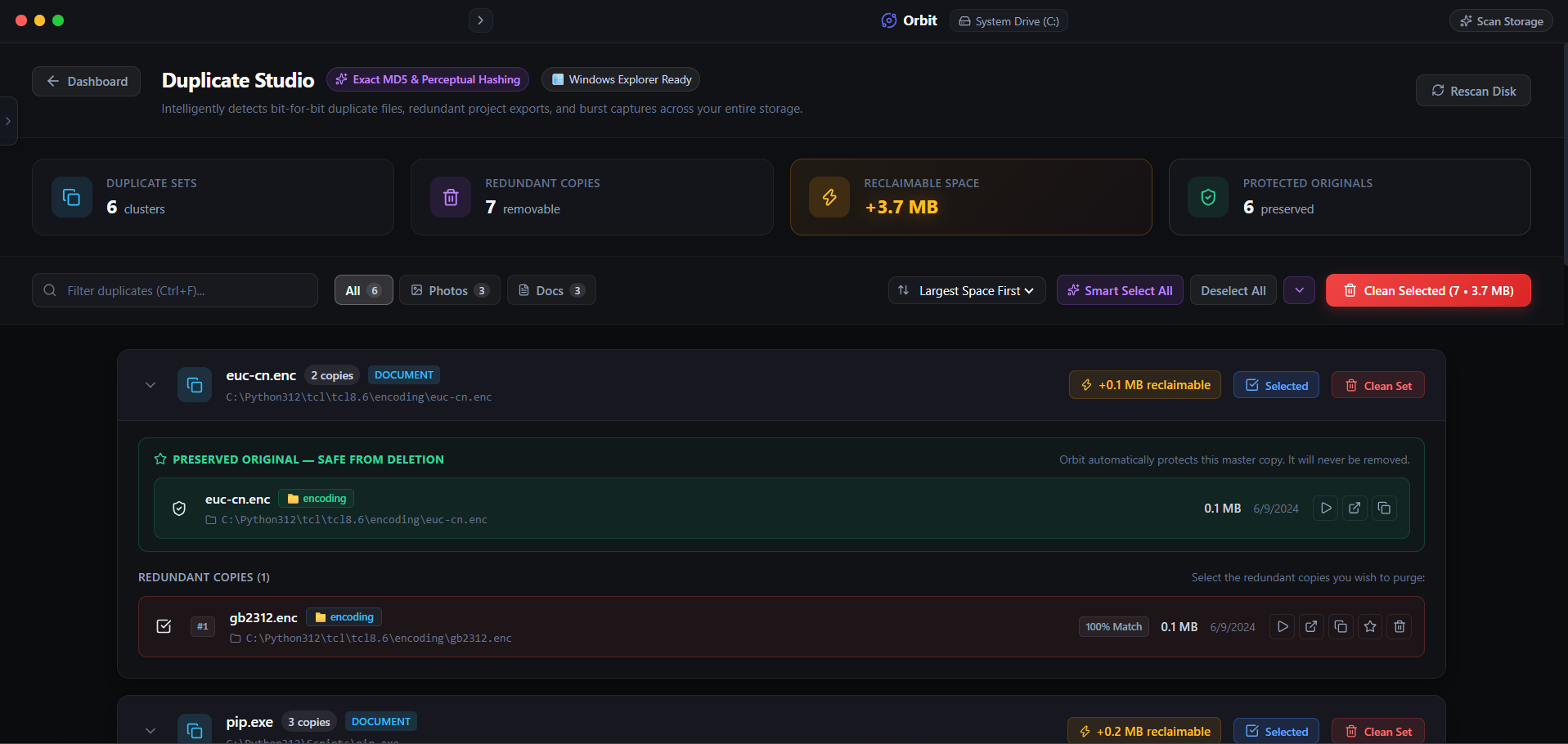 Orbit clusters screenshot bursts so you can clear hundreds of megabytes in seconds.
One More Thing
On macOS, you can change your default screenshot format from heavy PNG to lightweight JPEG using Terminal.
Run defaults write com.apple.screencapture type jpg; killall SystemUIServer to slash future screenshot file sizes by up to 75%.
The Verdict
Use Manual Method if: Use manual Finder or File Explorer date sorting if you only have twenty screenshots on your desktop.
Use Orbit if: Use Orbit if your Screenshots directory has hundreds of captures and you want smart clustering to clean them fast.
Finding these files too slow?
Orbit visualizes your entire drive — Mac and Windows both — so you see exactly where space is going before you delete anything.
Continue Reading
Most duplicate finders only work on one OS. Here is how to find exact and near-duplicate photos across both machines from a single scan.
Read guide →Why I Stopped Trusting 'One-Click Clean' ButtonsAutomated cleaners delete first and hope later. Here is why every file we remove sits in a recoverable vault for 30 days before it is actually gone.
Read guide →'Find Videos I Haven't Opened in a Year' — Testing Natural-Language Storage SearchNo filters, no folders, just a plain-English question. Here is what happened when we asked our own AI to hunt down forgotten video files.
Read guide →