Docker Desktop on Windows Is Eating 60GB and 'Clean Up' Didn't Fix It
You ran docker system prune -a, deleted every single container and image, but Docker’s virtual disk file is still consuming 64GB. Docker Desktop on Windows runs inside a lightweight WSL2 Linux distribution backed by a dynamic virtual hard disk file (.vhdx). The fundamental issue with dynamic virtual disks is that they grow automatically when data is written, but never shrink on their own when data is deleted.
What's Actually Going On
Docker stores its Linux filesystem in %LOCALAPPDATA%\Docker\wsl\data\ext4.vhdx.
When you pull images or compile build artifacts, the .vhdx file expands on your host NTFS drive to accommodate the data.
When you delete images inside Docker, the internal ext4 filesystem marks those blocks as free, but the outer Windows .vhdx container never releases those physical sectors back to host Windows.
How to Shrink Docker’s ext4.vhdx File
1. Shutdown WSL Completely
Before you can compact a virtual disk, you must ensure that no active Linux processes or Docker daemons hold file locks on the container.
wsl --shutdown2. Compact the VHDX via Diskpart
Launch Command Prompt or PowerShell as Administrator and run diskpart to attach the virtual disk in read-only mode and compact its unused space.
diskpart
select vdisk file="$env:LOCALAPPDATA\Docker\wsl\data\ext4.vhdx"
compact vdisk
exit
3. Alternative: Use Hyper-V PowerShell Module
If you have Windows Pro or Enterprise with Hyper-V management tools installed, you can compact the disk in a single command using Optimize-VHD.
Optimize-VHD -Path "$env:LOCALAPPDATA\Docker\wsl\data\ext4.vhdx" -Mode FullWe got tired of doing this manually — that's exactly why we built Orbit.
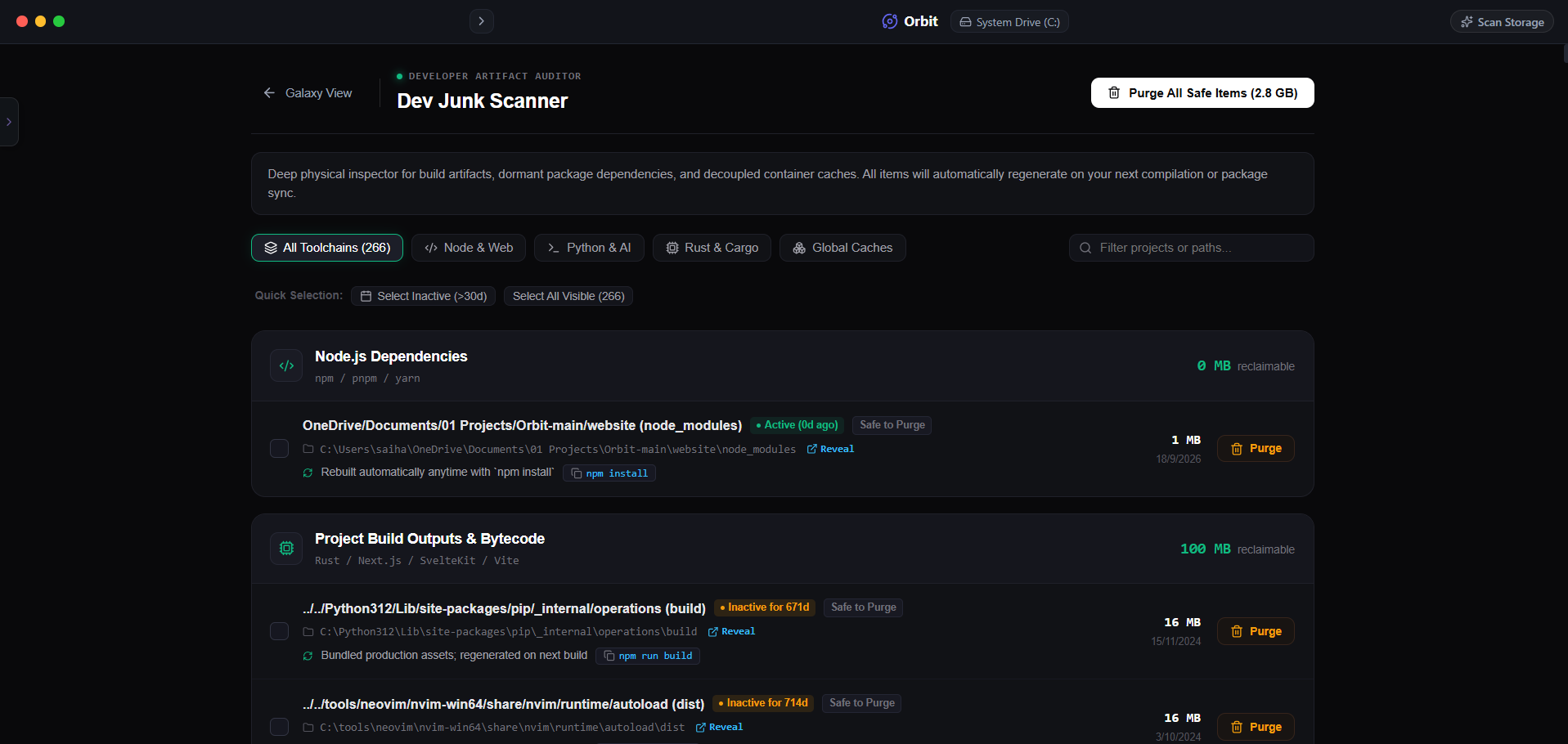 Orbit automatically detects uncompacted virtual disks and offers one-click compaction.
One More Thing
Mac developers face the exact same sparse-file issue with Docker.raw located in ~/Library/Containers/com.docker.docker/Data/vms/0/data/.
In both operating systems, Docker uses virtual disks that require manual trim commands or specialized tools to reclaim host SSD space.
The Verdict
Use Manual Method if: Use diskpart commands if you are comfortable shutting down WSL and waiting 5 minutes for Windows to compact the file.
Use Orbit if: Use Orbit if you want automated tracking of container bloat across Docker, WSL, and system caches from one dashboard.
Finding these files too slow?
Orbit visualizes your entire drive — Mac and Windows both — so you see exactly where space is going before you delete anything.
Continue Reading
WizTree is fast because it reads the USN Journal directly — so do we. Here is what a modern interface on top of that same speed actually looks like.
Read guide →One Scan, Two Drives: Finding Every Dead Project Folder Across Your Mac and PCIf you code on both machines, you have double the dead dependency folders. Here is how to clean both from one place instead of switching tools.
Read guide →Visual Studio's Hidden Build Cache Is Bigger Than You Thinkobj/ and bin/ folders multiply across every solution you have opened. Here is how to find and clear them without breaking active projects.
Read guide →